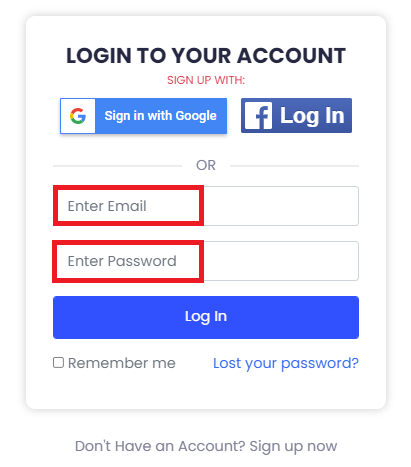
3. You can Log into your existing account by filling in the email address and the password, or you can sign in via Google/Facebook. If you have forgotten your password, click on Lost your password? to recover it.
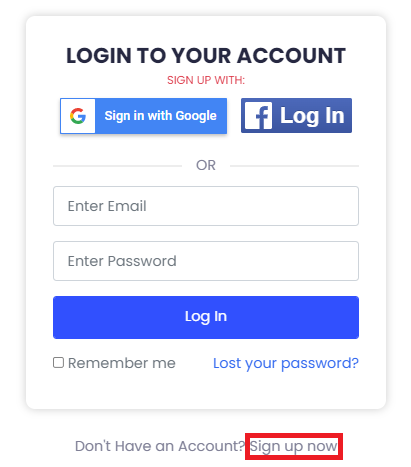
4. If you are a new user, kindly sign up using the link below.
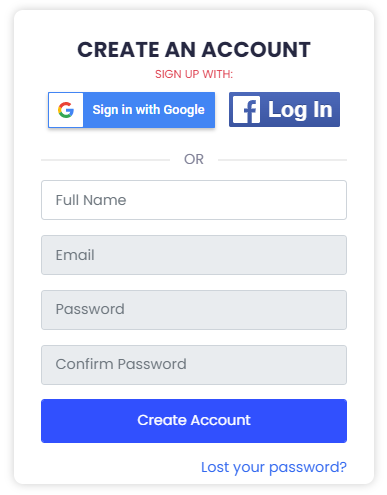
5. Fill in the required details: Full Name, Email, Password, and Confirm Password. Press Create Account.
6. You have successfully registered and a verification mail is sent to you at the registered email address.
7. Re-enter your credentials to sign up in order to sign into your Student Account.