Create an Instructor Account
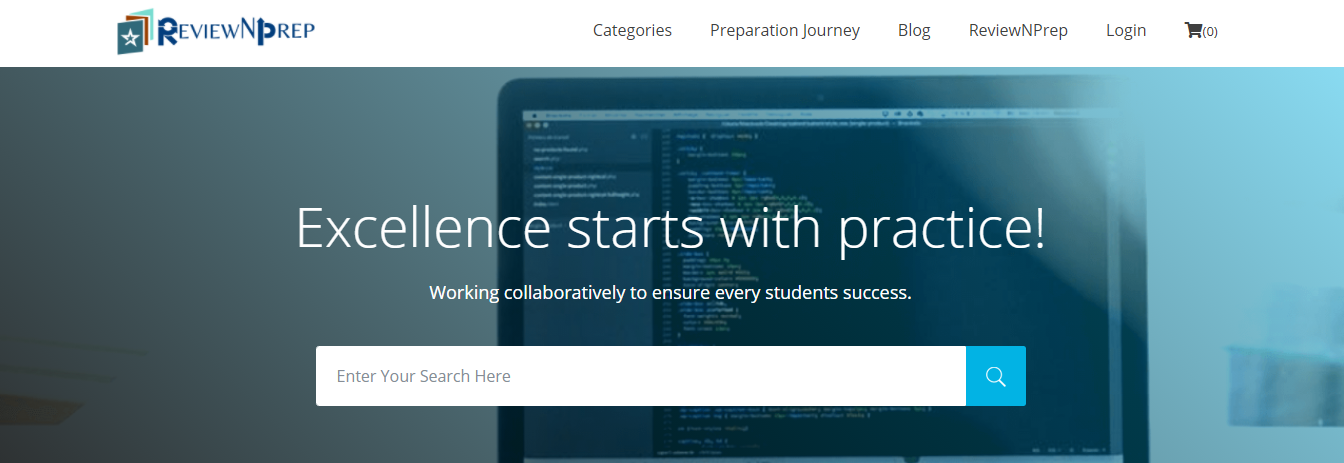
1. Click on Login in the Menu bar.
.
.

2. Select Instructor Login.

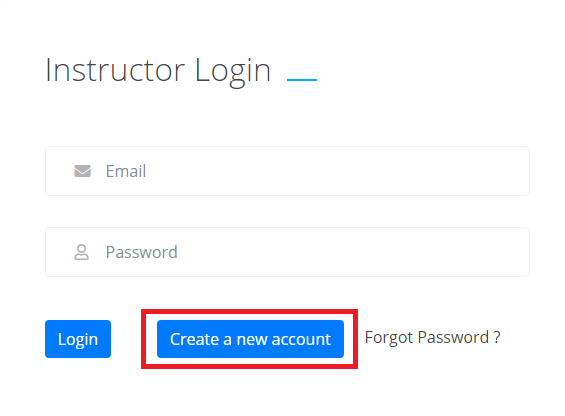
3. Click on Create a New Account.
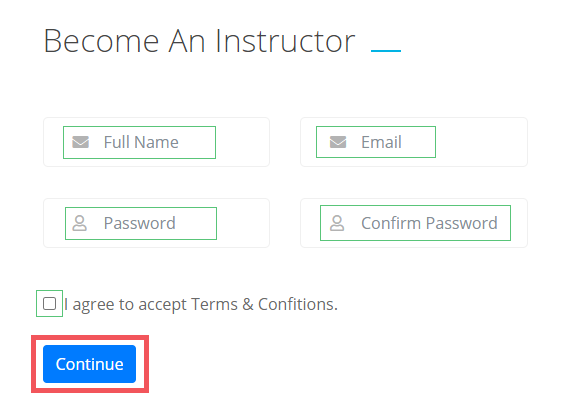
4. Fill in the required details: Full Name, Email, and Create a Password. Once you agree to accept the Instructor Agreement, press Continue.
5. You have successfully registered and a verification mail is sent to you at the registered email address.
6. Re-enter your credentials to sign up in order to sign in to your Instructor Account.
