Making an Announcement
1. Navigate to Announcements on the Instructor Dashboard. The announcements get delivered to your enrolled learners via mail.
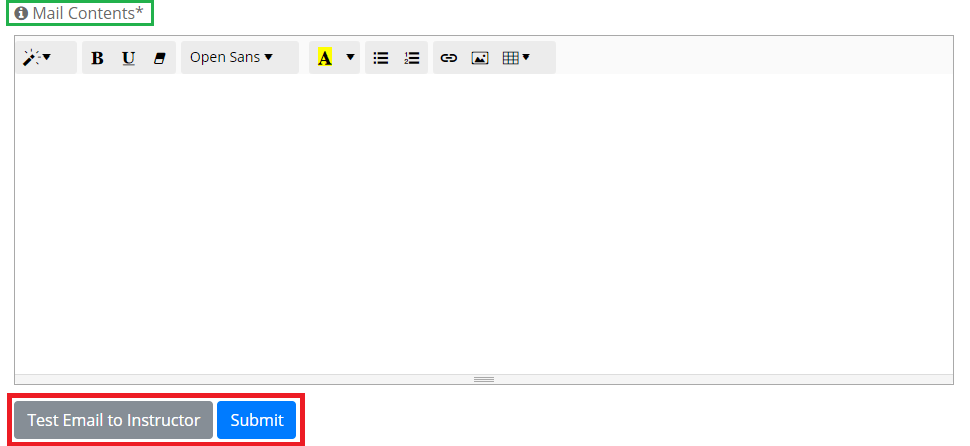
2. Add the mail contents to be delivered. Once done, you can send a Test Email to your account for validation purposes. Upon review, click on Submit.