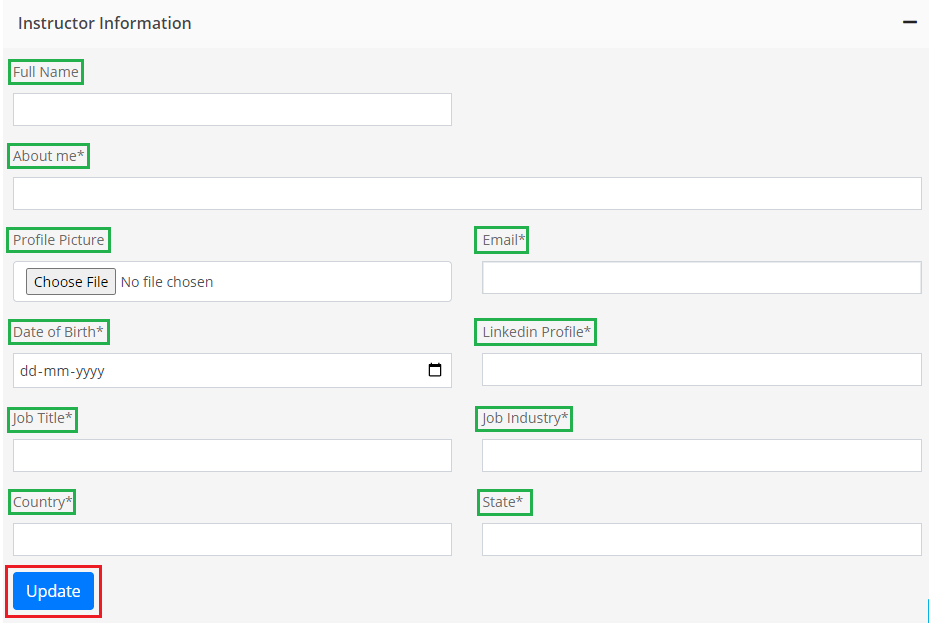
Instructor HelpAdding Instructor InformationOn this pageAdding Instructor Information 1. After successfully logging into your Instructor Account, navigate to Profile on your Instructor Dashboard. 2. Click on Instructor Information. 3. Furnishing Your Details 4. Fill in all the details. Once done, click on Update. 5. You have successfully added your information.