ReviewNPrep Marketplace is a platform where instructors connect with students to execute the best deals on practice exams, flashcards, and video content.
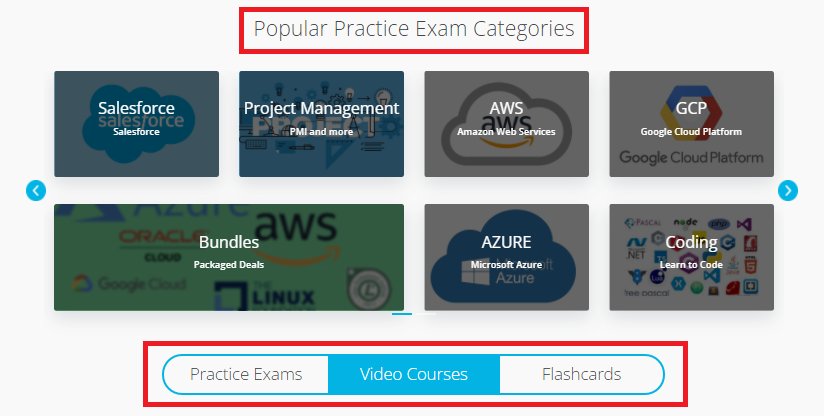
1. In order to purchase a practice exam, flashcards or a video course, check out the categories available on Marketplace and take your pick.
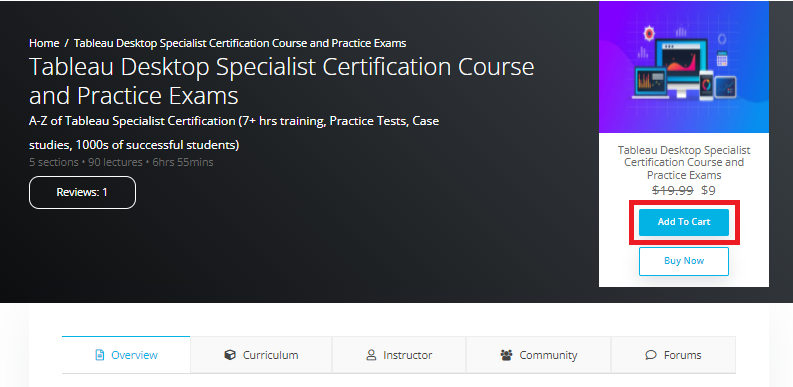
Click on the desired category and locate the option to add the course to cart on the right side of the header.
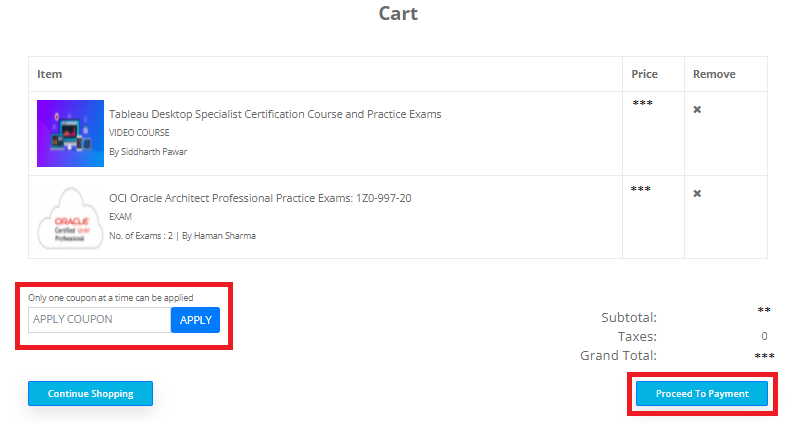
3. Once all the courses to be purchased are added to the cart, check out the final details and the total amount to be paid by navigating to My Cart on the Menu bar.
4. In order to add more courses, click on Continue Shopping. If you have a coupon, it can be applied here itself, else Click on Proceed To Payment.
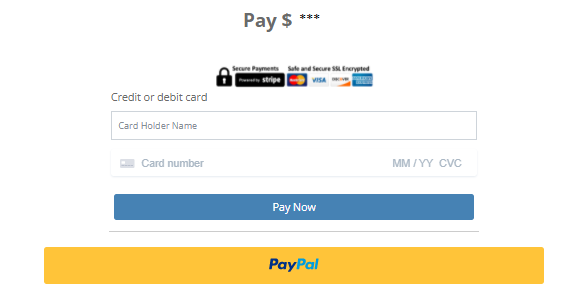
5. The payment for the desired course(s) can be made via Stripe or PayPal.
6. A receipt is issued once the payment is complete and the course(s) can be accessed under Access Courses on the Student Dashboard.
7. In case of any technical issues while making the payment, kindly contact us here.