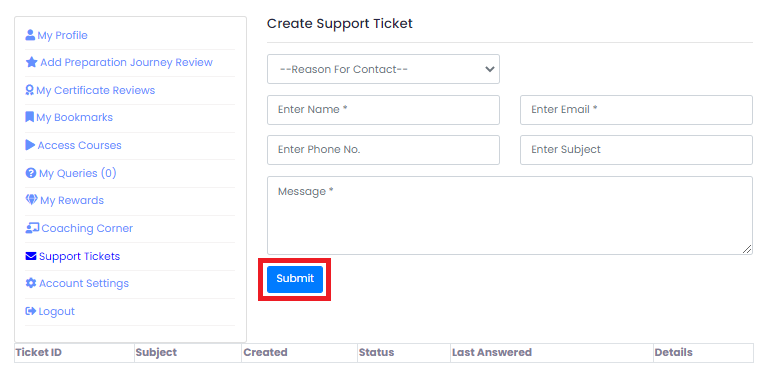
Creating a Support Ticket
1. ReviewNPrep welcomes its users to raise concerns/queries, and report bugs if they find any, directly to the team via our Contact Us page. If you have something on your mind, kindly click here to share the same with us and we will get back to you within two business days.
2. The tickets opened can be located under Support Tickets on the Student Dashboard. If you do not have any tickets opened, the respective section indicates the same. Fill in a Reason For Contact, along with your Name, Email, Phone no., Subject, and Message. Press Submit after reviewing the details.